This article was originally published by Dzmitry Hutaryan on dev.to in December 2023 and is republished here with the author's permission.
Sometimes we have to support multi language app. Some of them might have a different direction, form left to right. But how to keep our margins/padding the same? I know there are some tools for that, but actually there is a native solution.
Today we are going to talk about logical css properties:
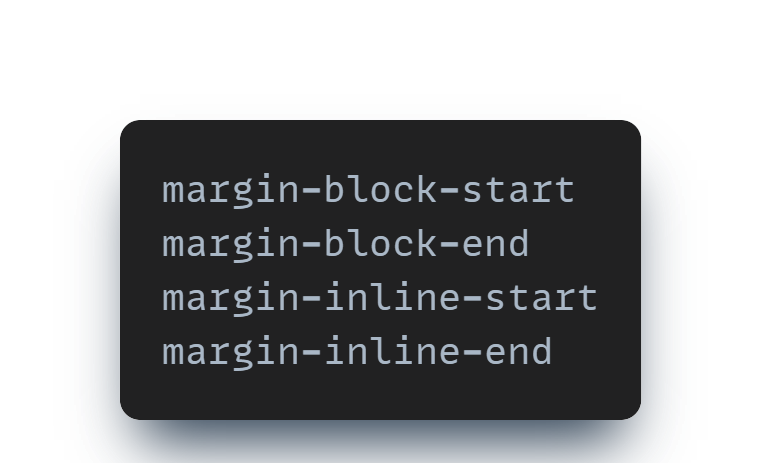
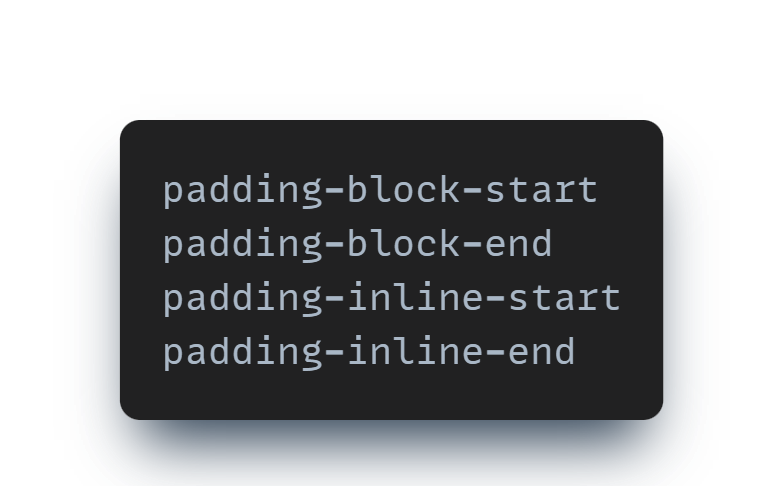
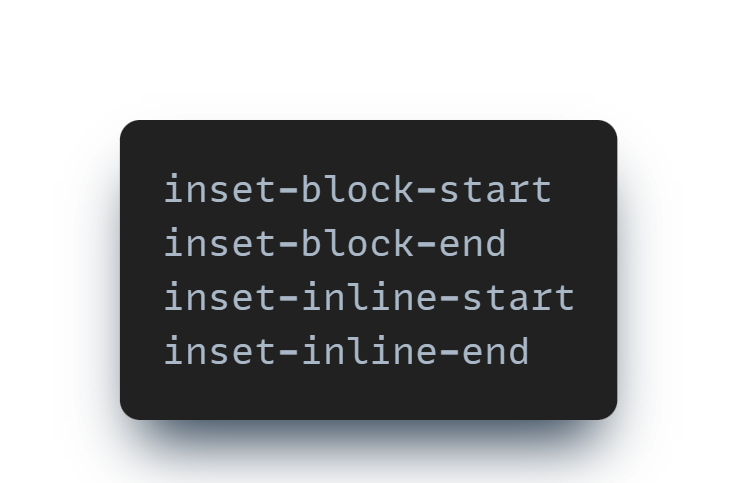
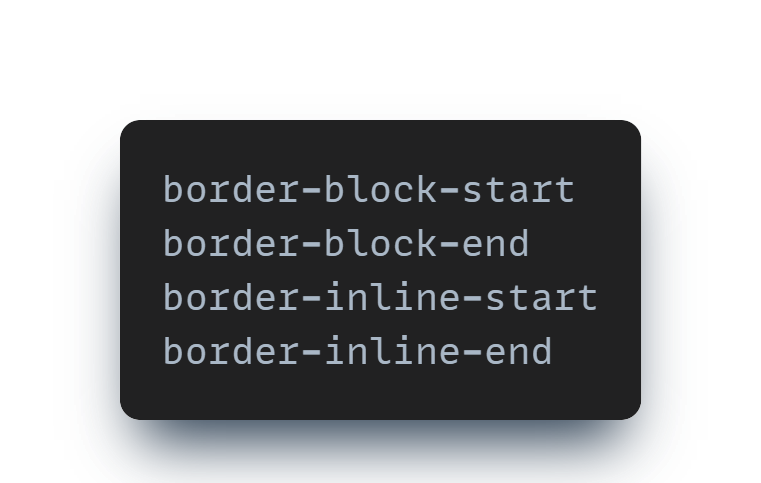
These properties are similar to usual properties but with special sense.
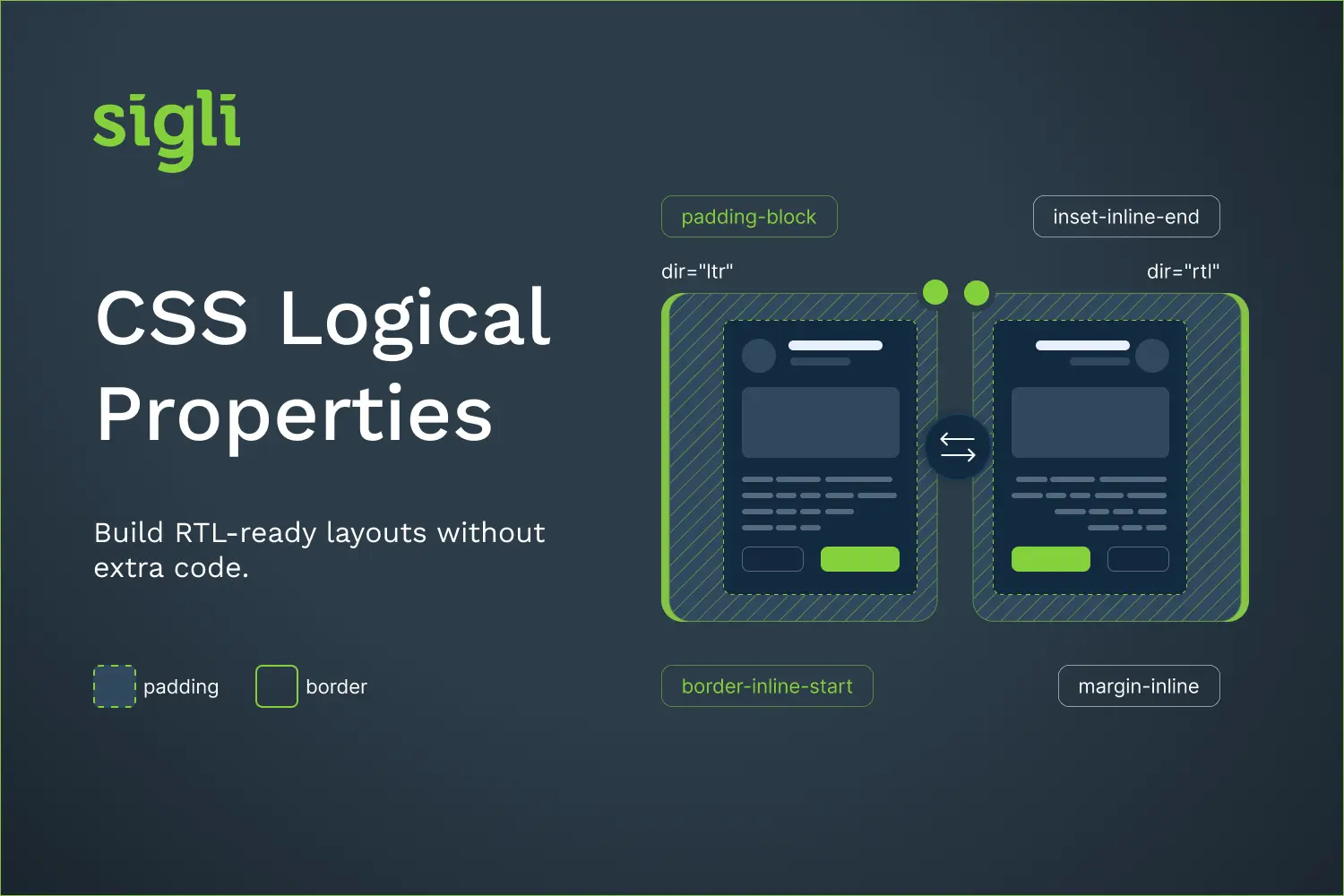
Let's say we have a container with padding: 20px 60px 80px 10px; (top right bottom left). Then we add direction: rtl; to change language direction. We will see that our right padding is 60px but we need 10px as before left padding was.
That's why we need logical properties.
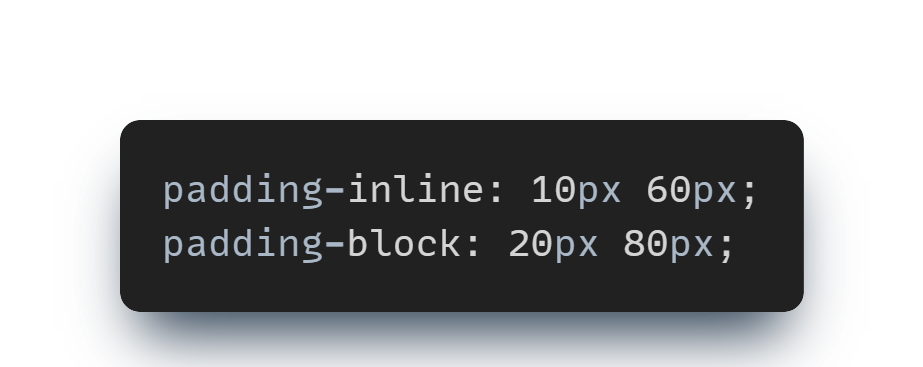
If we use logical properties out paddings will be changed with text direction as well. In this case right padding 60px will become 10px and vice versa. It works the same for writing-mode: vertical-rl;
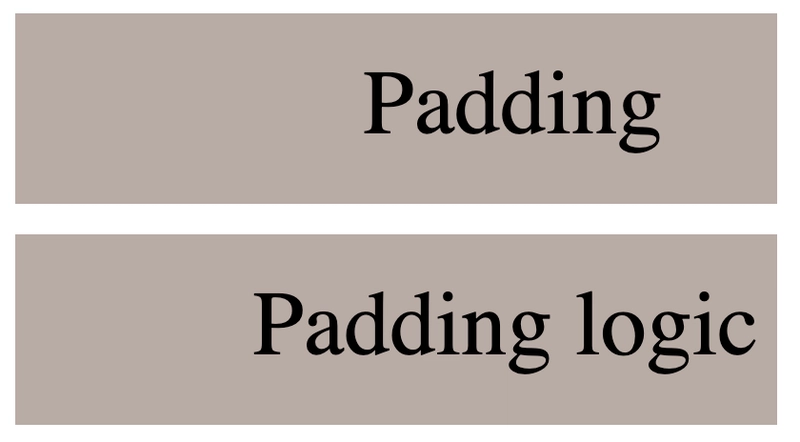
You can play with margins on the codepen at the end of article.
I guess it's clear for margins and paddings. But these properties work for borders as well.
Let's see the difference for left to right direction.
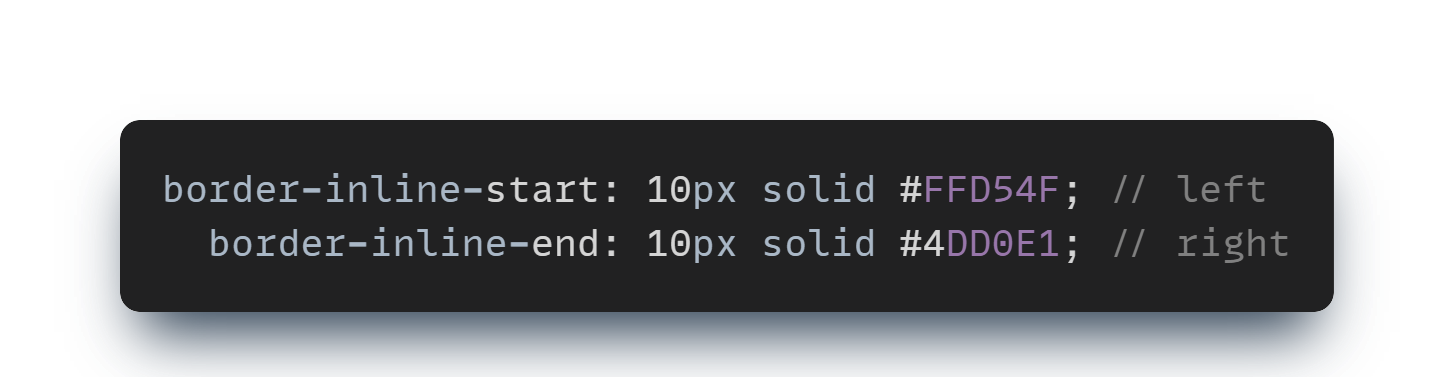
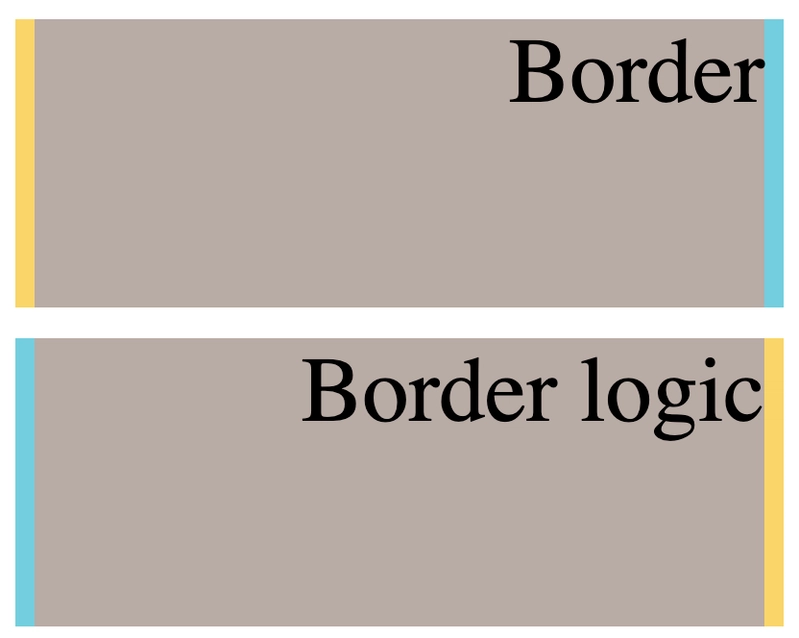
Only one type of property has left. As you might already guess inset-block/inset-inline allow us to apply logical properties for elements with absolute positioning.
When we have element with position: absolute; and use usual properties we won't see any changes. But if we use inset-block/inset-inline and change text direction we will se how position of element will be changed as well.
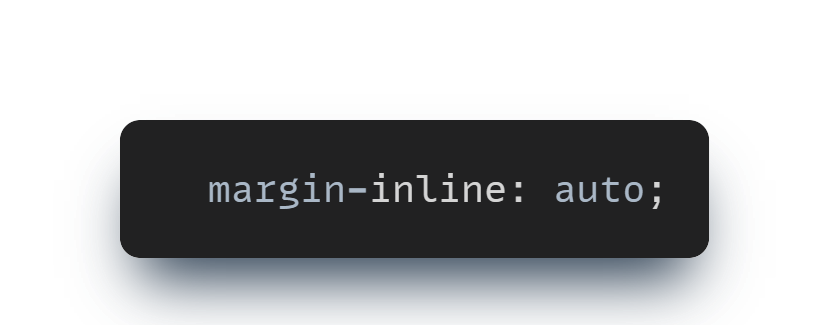
Now, you know how to show element by center using one row of css.
Physical properties (left, right, top, bottom) refer to fixed sides of the screen. Logical properties (inline-start, block-end, etc.) refer to the direction of content, so they adapt to RTL and vertical writing modes.
Usually not for spacing, borders and positioning. You may still need tweaks for icons with directional meaning (like arrows) and for some transforms.
Use the HTML attribute dir="rtl" on <html> or a container, rather than the CSS direction property. It’s semantically correct and also helps screen readers and search engines.
Yes. They’re supported across all modern browsers.